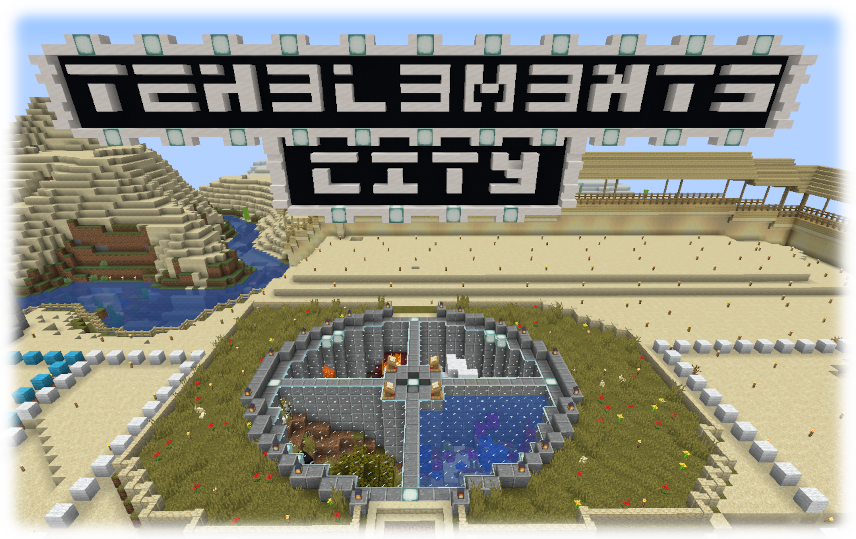
Title Image

Farm

Hello everyone!

As some of you guys may know, I'm building a huge factory near the museum in spawn. But that isn't the end of the project. I also made a checklist for farms to be built/finished

Here are the farms:

- The iron trench(massive iron farm): I'm running out of time to finish it and it took a lot of time to build so far. So I'm asking someone of you with good redstone knowledge to finish the machine. All materials are already gathered so the only thing that has to be done is finish the sucker. Here is the tutorial on the machine:Video


- Blaze farm: I still have to make time for this machine. this one doesn't require a lot of redstone knowledge. I found an efficient but simple farm. Tutorial: Video


- Gold farm: No design found. Feel free to come up with your own designs.


All materials can be supplied or taken care of by yourself.


When the factory at spawn is finished, it will be public and free to use. The only thing I ask is: Keep it supplied with all the resources you used.

Owner fail

UPDATE: IT IS FIXED SURF SUCKS AND LOSES AND SUCKS

Surf and Cnc screwed up so you can't play minecraft anymore. More details to come later.

Surf:
can you make a website post? cnc and I fucked up.
we were being ddos'd by a kid banned last night
so we tried to block him...
Mike:
haha
Surf:
accidentally locked everyone doing everything
Mike:
fail

Surf fully acknowledges his idiocy

Network temporarily hosed…

I did something dumb on my end box,  effectively borking my network.   I will fix it as soon as I get home.

UPDATE: Fixed. My name can officially be "AnIdiot" for the next few days.

Server down

Yes the server is down. I can't restart it. Surf has been notified.

Update: We're back!

1.4.7

Hey everyone!

Every time we update i notice some players arent online because they accidentally update their MineCraft and don't know how to downgrade.

Here are some thingys to help you out

Thing one:

Use Magiclauncher

Step 1: Download Magiclauncher

Step 2: Download 1.4.7

Step 3: Go to Setup and click "select" in the top right corner and go to the folder where you downloaded the 1.4.7 .jar

Step 4: Click OK and login

Thing two:

Replace your current .jar

Step 1: download 1.4.7

Step 2: Rename the file to minecraft.jar

Step 3: Copy your .jar in your minecraft folder

Well thats about it! I hope this helps to keep you guys happy

Love, Bouke Brink


Until the update we have to be patient