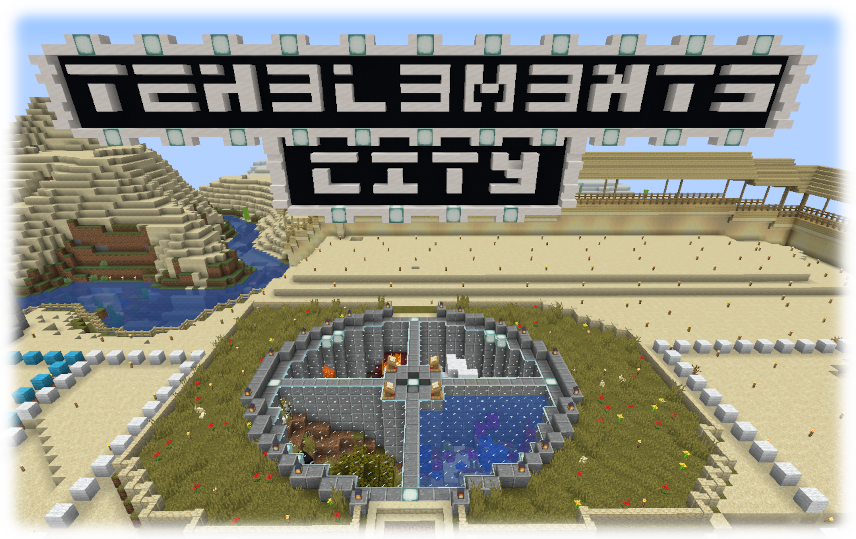
Title Image

July news!

Hi, I've added a stats tracking plugin, its very basic but its usefull, here is the link to ithttps://teh3l3m3nts.com/?page_id=2648

As for 1.3, its been over 3 months since 1.2, I can't believe they are taking so long. Well when they eventually do release it, we plan on making a new main map.
The current map will still be here, but its access will be restricted to people who have business there. But I encourage you to make the move over to the new main map
when we eventually do that.
We are also going to need a new spawn area, so if you are looking to make a few additions onto it, let an admin know.

I also want to be clear, you can freely move between the worlds (If you have access), including all your stuff/items/block, but I do not want to see people dismantling their builds for items/blocks.

Where is Morate?

So...I love making self-indulgent non-MC related posts, but I don't get a bunch of e-mails asking if I quit minecraft. NOPE! There was a recent family emergency that caused me to pack up my things and go to Arkansas. If you want to read more, click here, otherwise CARRY ON!

SO…..slimes

The big tedious project I've been doing is removing space around the unbergrinder so that mobs can ONLY spawn inside. This was a mixed blessing...the problem is slimes and endermen spawn at will in the resulting cave. I sat afk overnight...this is what I came back to:


Aaaaaand...the slimeball aftermath:


Where is Surf?

So...I hate making self-indulgent non-MC related posts, but I get a bunch of e-mails asking if I quit minecraft. NOPE! I'm just going through some life stuff...so if you wanna see about that, read this post, otherwise CARRY ON!

Read more »

Chat stuff.

So I've been fucking around with special chat characters...and I discovered some neatness.

This is sort of documented, but it's complicated. For each type of text, you have to type a special character before it, I only know the windows one. It's "&". Also...it looks like it only works for admins...looking into that.

  • &0 = Black Text
  • &1 = Dark Blue Text
  • &2 = Dark Green Text
  • &3 = Dark Aqua Text
  • &4 = Red Text
  • &5 = Purple
  • &6 = Light Orange Text
  • &7 = Light Grey Text
  • &8 = Dark Grey Text
  • &9 = Blue Text
  • &a = Green Text
  • &b = Light Aqua Text
  • &c = Orange Text
  • &d = Pink Text
  • &e = Yellow Text
  • &f = White Text
  • &k = Scrambley
  • &l = Bold Text
  • &m = Strikethrough Text
  • &n = Underlined Text
  • &o = Italic Text
  • &r = Reset All Formatting

Reference: Minepedia